MODEL DIGITALS / POLAROIDS
Take your model digitals.
Natural photos, taken on your phone. Follow the voice, check your shots and keep them ready for your applications.
Prepare my digitals →Free tool · A free account keeps your photos private.

What do model digitals look like?
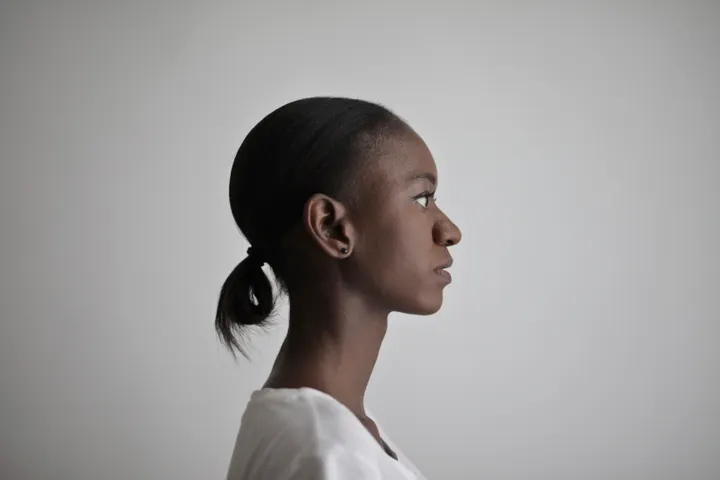
These real photos illustrate framing. Follow the clothing and pose instructions of the agency or casting you are applying to.


Before you put the phone down
- Choose even light facing you and a simple background.
- Put your phone upright on a stable support. Leave room to step back.
- Turn up the volume, test the voice and choose your time to get into position.
Your questions before shooting
Do I need a photographer?
You can prepare natural model digitals with a phone. Follow the agency’s instructions to decide which photos to send.
What should I wear?
Choose simple clothes that show your proportions. For a specific casting, follow its verified clothing instructions.
How many photos should I take?
Start with the required views. The tool marks optional shots, which you can skip. Agencies may request different sets.
Can I use beauty filters?
Keep your current appearance: no beauty filter or retouching that changes your face or silhouette.
Where do my photos go?
Your chosen photos stay in your private account. Download a ZIP or PDF and choose what you share.
Put your photos to use
Prepare your composite, explore agencies or continue an application with your saved photos.
Before you shoot